Grow your
money.

A playful, private expense tracker and bill splitter for Android. Everything stays on your phone.

Download for Android v2.0.0 Β· 71.0 MB Β· released today
See all releases β†’
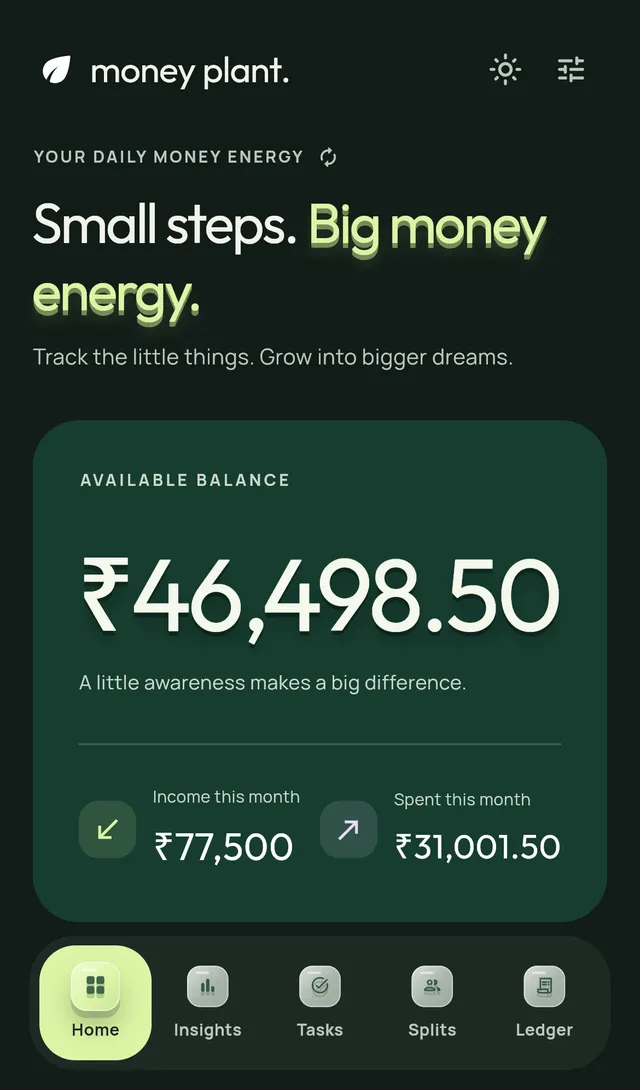
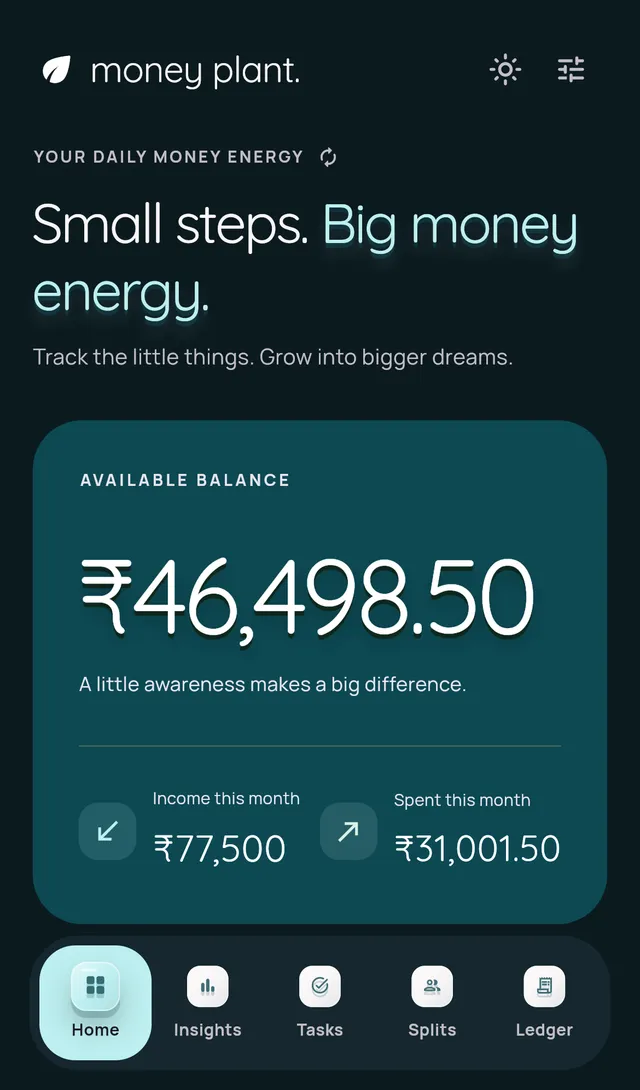
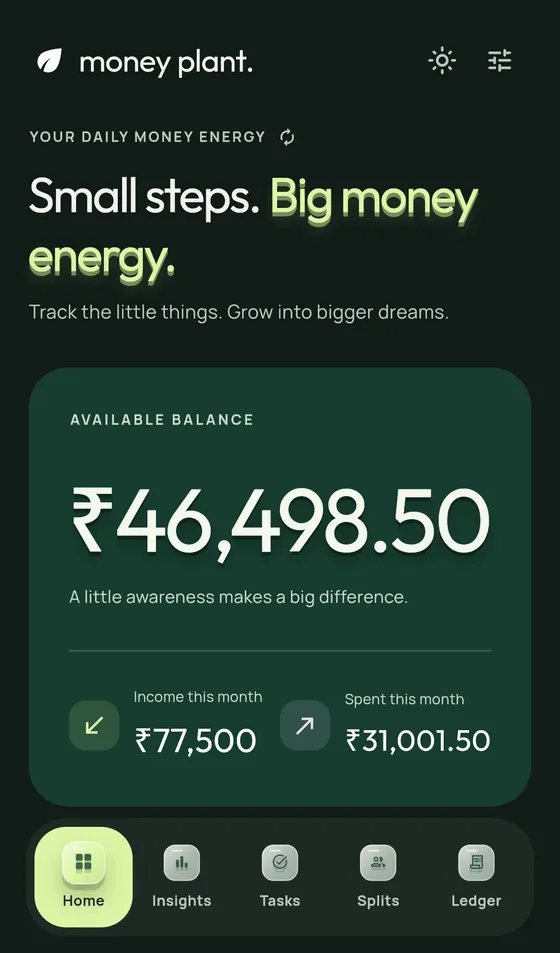
Money Plant app: the Overview screen showing balance, income and spending

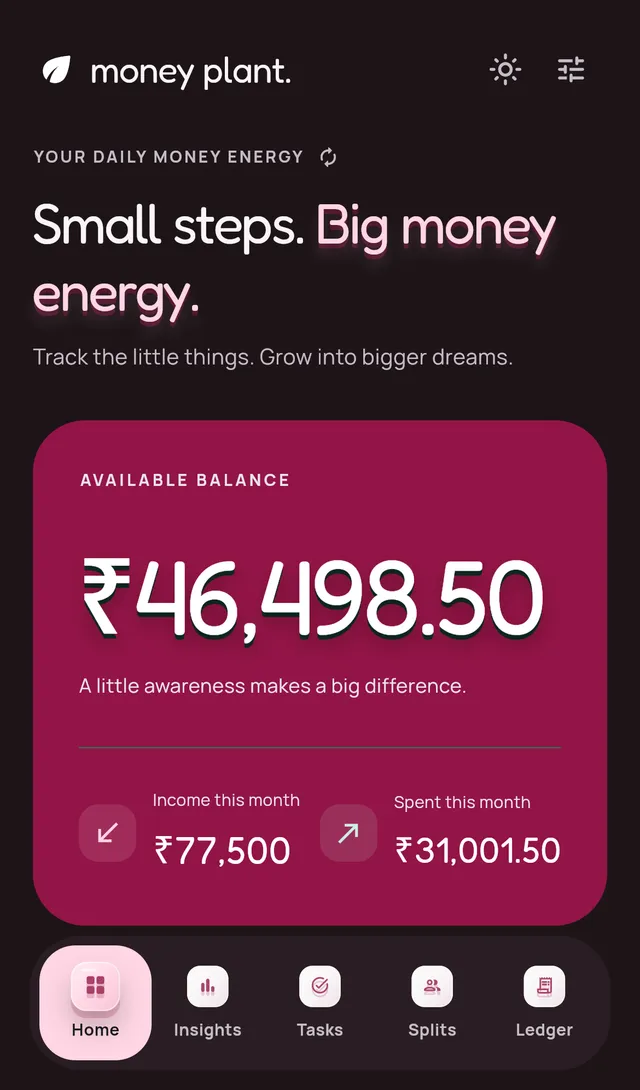
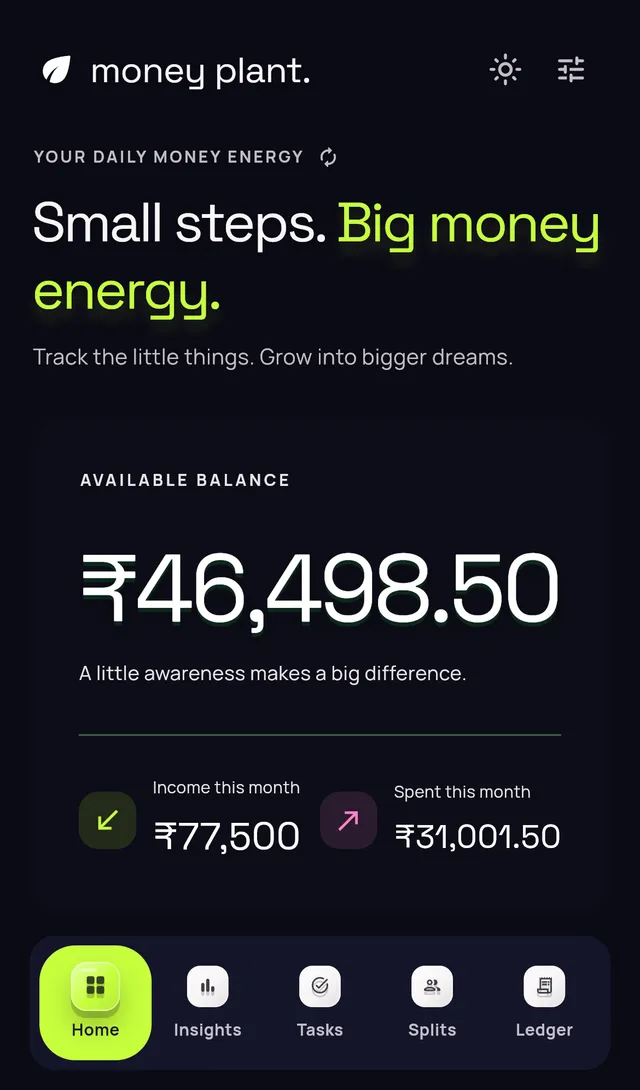
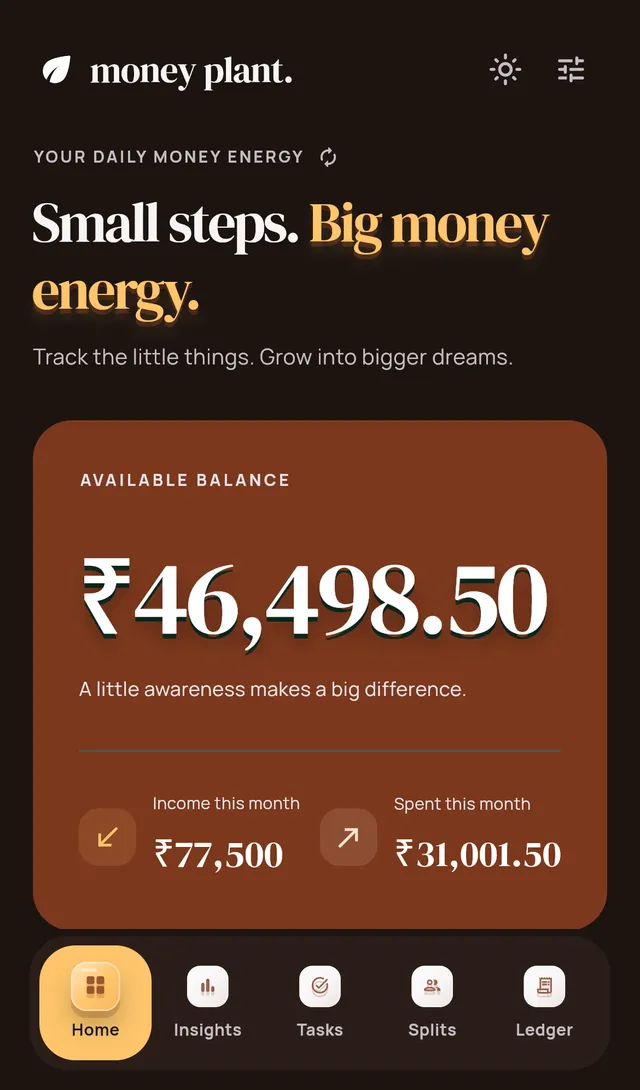
5 themes. One tap. Also on this website.

  • 🌱 3 seeds planted
  • 2 releases
  • updated today
  • 0 servers
  • 0 trackers
  • 5 themes
  • 100% offline

A year in the garden
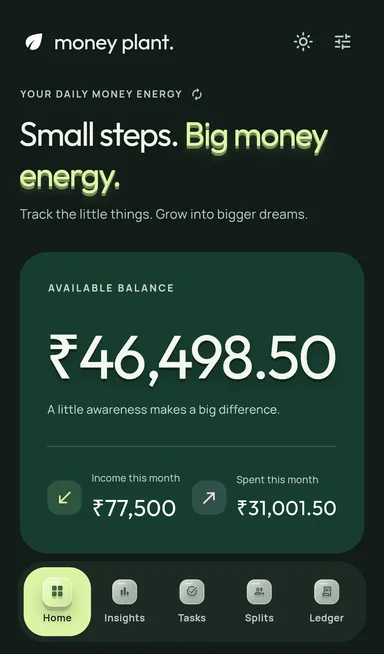
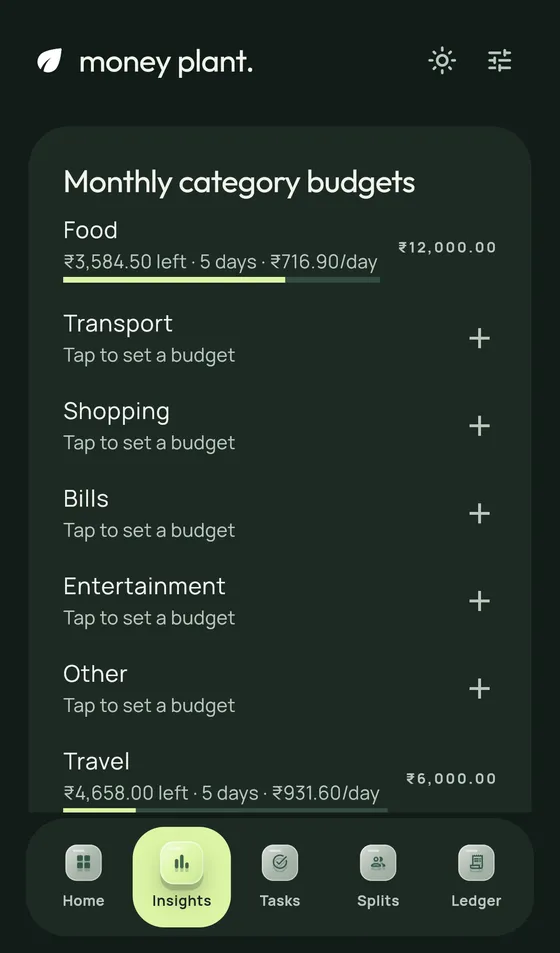
Track the little things

Chai, cabs, groceries. Two taps and it lands in the right category.
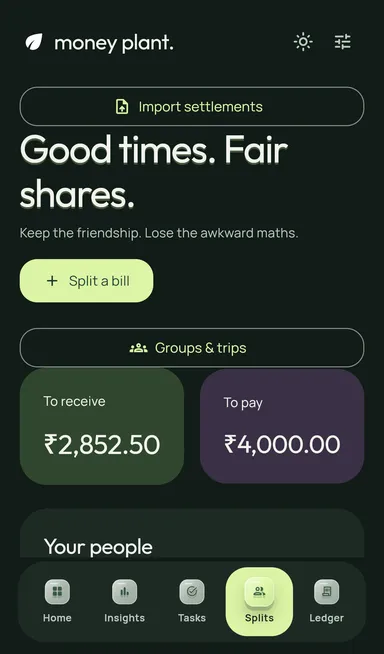
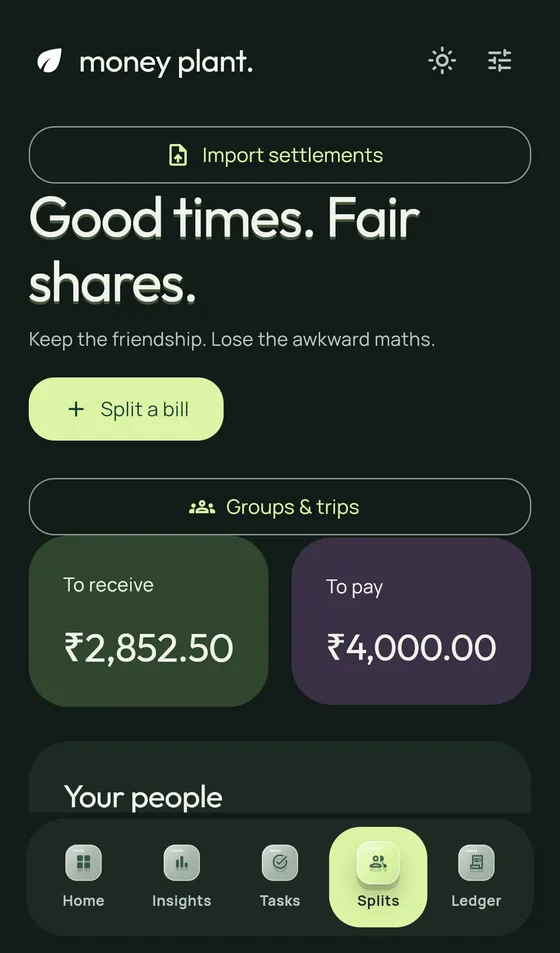
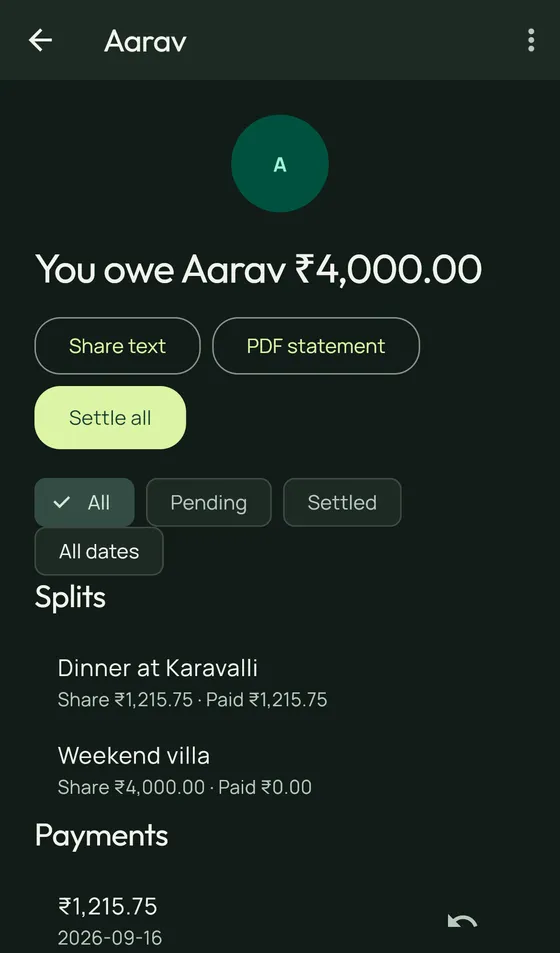
Split any bill, paise-exact

Equal, percent, shares or per item. Everyone sees exactly what they owe.
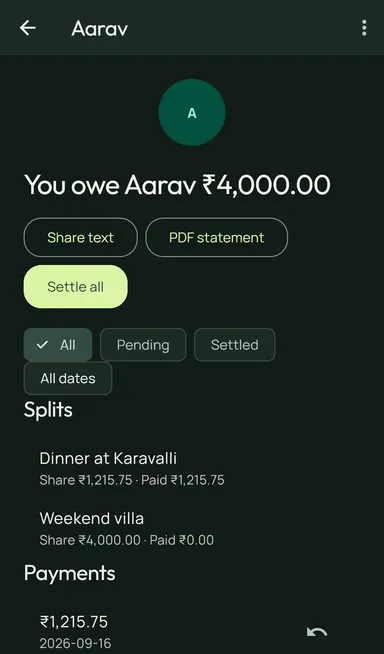
Statements people actually read

A cute PDF statement per person, with a UPI QR stamped on so settling is one scan.
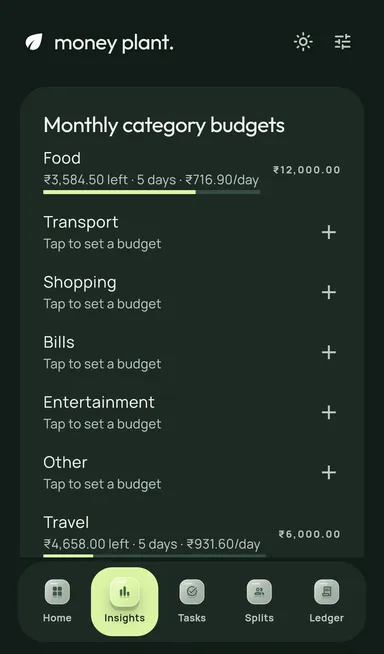
Bank statements import themselves

Drop a CSV and rows tick in, categorised. Flip one into a split on the spot.

Groups untangle who pays whom

A trip of ten transactions collapses into the two payments that settle it.
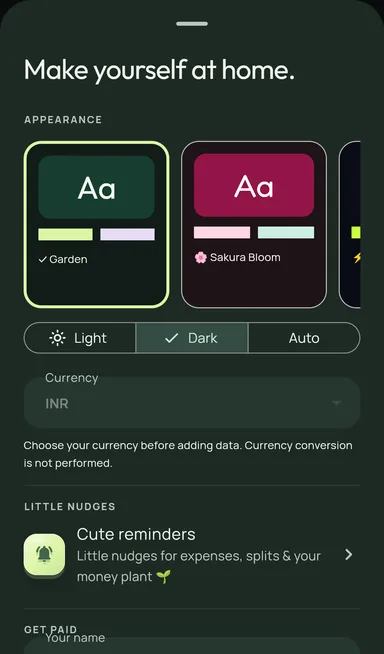
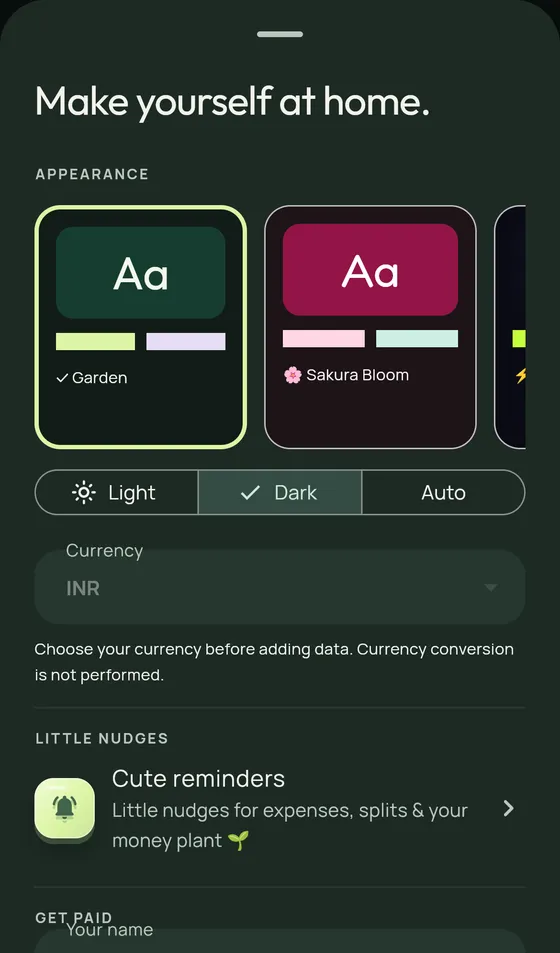
Five gardens to grow in

Garden, Sakura, Neon, Mango, Ocean. Every screen re-blooms in one tap.
⚠ INTRUSION DETECTED

Go on, try to break in

Sweep a finger through the lasers. The app lock is less forgiving.

Fingerprint lock + blur in Recents. Your money, vaulted. πŸ”

Try a split right here

The same paise-exact maths the app uses, running in your browser. Not a mock.

Who's in?
YouAaravMeera
  • Youβ‚Ή400.00
  • Aaravβ‚Ή400.00
  • Meeraβ‚Ή400.00

Total β‚Ή1,200.00 Β· every paise accounted for

Now imagine this with UPI QR, PDF statements and reminders. Download ↑

Your data never leaves the pot

  • No account

    No sign-up, no email, no OTP. Open the app and start.

  • No bank login

    Import statements as files you choose. Credentials never asked.

  • No servers

    Everything lives in your phone’s storage. Airplane mode is fine.

The honest footnote: because there are no servers, there is no automatic cloud backup either. Export a backup file from Settings now and then, and keep it somewhere safe.

Fresh from the greenhouse

v2.0.0 26 September 2026 Β· today

The very first public build. Everything is new 🌱

Full changelog β†’

Curious minds ask

Is it safe to install an APK?

This one, yes: the APK is built in public by a GitHub Action from the open source code, signed, and published on GitHub Releases. Android will ask you to allow installs from your browser once, which is normal for apps outside the Play Store.

How do I verify the download?

Each release ships a SHA-256 checksum next to the APK. Compare it with "certutil -hashfile <file> SHA256" on Windows or "sha256sum <file>" on Linux and macOS. The full steps are on the install page.

Why isn't it on the Play Store?

Play Store publishing costs money and adds review lag to every release. GitHub Releases keeps Money Plant free, instant and transparent. A store listing may still happen later.

Does it need internet?

No. Tracking, splits, budgets, statements and themes all work fully offline. The only network use is when you tap a link out, like paying a friend over UPI.

How do updates work?

Download the new APK and install it over the old one. Android treats it as an update because every release is signed with the same key, so your data stays exactly where it was.

What about iPhone?

Android only for now 🌱 The app is built with Flutter, so an iOS build is possible, but distributing it outside the App Store is much harder. Watch the releases page.

Where's my data stored?

In the app's private storage on your phone, as one small JSON garden. No cloud copy exists unless you export one yourself.

How do I back up?

Settings β†’ Backup exports a single file with everything. Keep it in your own drive or file manager; restoring it on a new phone brings your whole garden back.

Something else on your mind? Ask on GitHub or read the install guide.

Plant yours today.

Free forever, no account, and your money stays yours.

Download for Android Β· v2.0.0